Boosting Your Egypt Adventure: The Ultimate Guide to eSIM Egypt

Table of Contents
Introduction: Best eSIM Connectivity for Your Egyptian Holidays
If you’re planning a trip to Egypt, the land of Pharaohs, pyramids and antiquities, then you’re in for a real treat. A trip to Cairo, where the busy streets welcome you, combined with the quiet of the banks of the Nile, allows you to connect with many others, but it now becomes a much needed necessity rather than a luxury. If you’re looking at posting wonderful photos of the Giza Necropolis or trying to find your way through the busy souks to get where you need to go also to friends, reliable access to the Internet is a must. This is where eSIM Egypt revolutionises your travel experience!
Forget the hassle of finding local sim cards, language barriers or worrying about nasty roaming charges, but for an Egypt eSIM you have the best, cheapest and most efficient method of being on the Internet throughout your travels. This guide will tell you everything you need to know about taking an eSIM for your Egyptian holidays in order to get the most benefit from maximum connectivity and safety.
What is an eSIM and Why is it Your Best Travel Companion for Egypt?
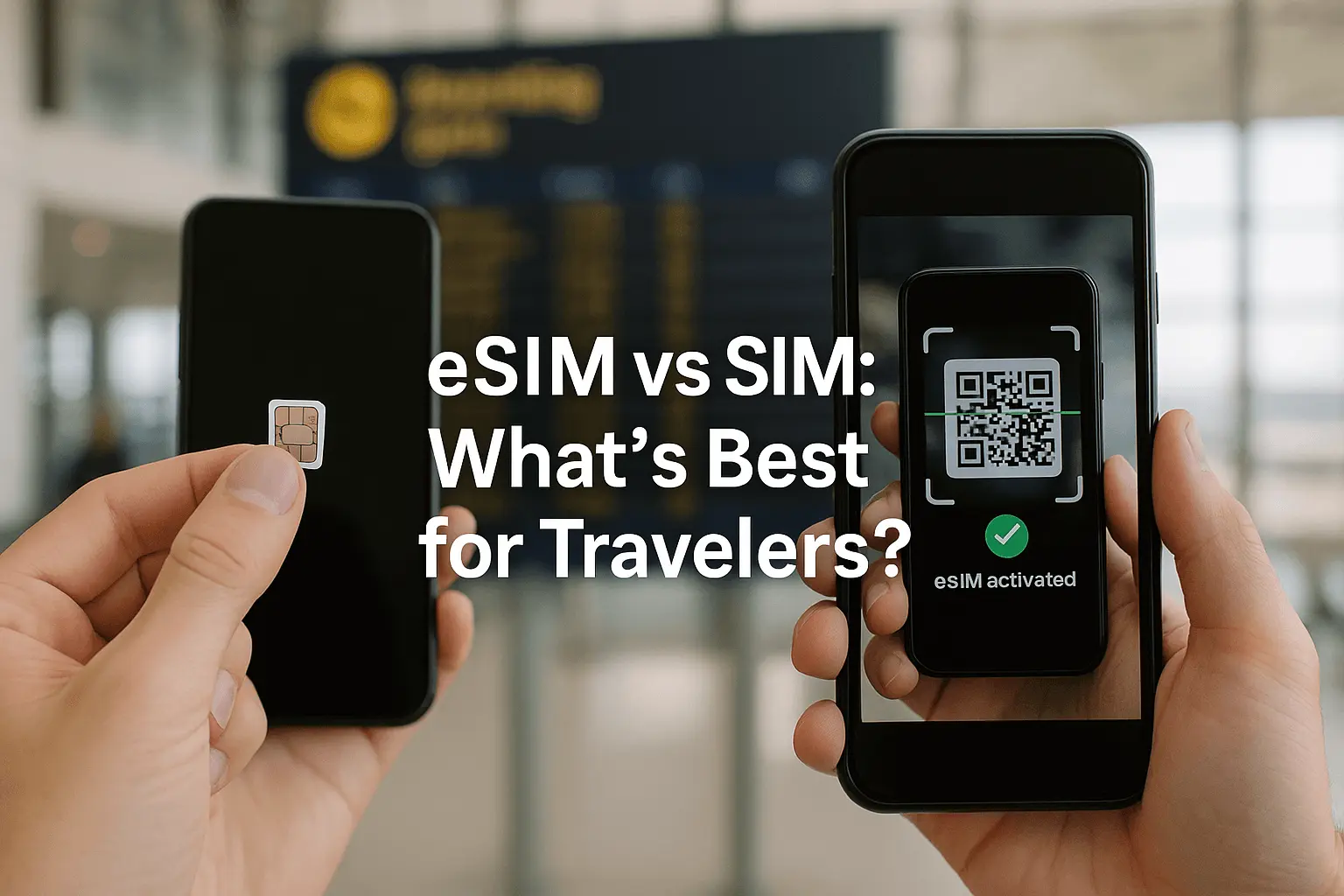
An eSIM or embedded SIM or Subscriber Identity Module is a digital version of a SIM card which allows you to activate a cellular plan from your operator without a physical SIM card being required.
In contrast to card SIMs, which are inserted into your cell phone, an eSIM is inserted directly into your device, making this a more convenient and flexible option for the modern traveller. The technology is becoming more popular, and not without good reason, and especially on trips like those to Egypt.
Key Differences: eSIM vs. Traditional SIM vs WiFI
| Feature | Traditional SIM Card | eSIM (Embedded SIM) | WiFi |
|---|---|---|---|
| Physicality | Removable plastic card | Digital profile embedded in device | No physical component, relies on wireless networks |
| Installation | Manual insertion/removal | Digital activation via QR code or app | Manual connection to networks, often requiring passwords |
| Multiple Plans | One physical SIM per plan (or dual SIM phones) | Store multiple eSIM profiles, switch easily | Limited to available networks, often single connection |
| Portability | Can be lost or damaged | Securely stored within the device | No portability; dependent on location and router availability |
| Activation | Often requires local purchase and registration | Instant activation, even before arrival | Instant connection but may require login or payment |
| Reliability | Depends on carrier coverage | Superior: Works anywhere with cellular coverage, avoids slow/unreliable hotel WiFi | Often slow in hotels, weak signals, or congested in public spaces |
| Convenience | Requires swapping cards for international travel | Superior: Uninterrupted switching between carriers, no physical cards change – zero-fuss | Limited by network availability and login issues |
| Cost | May incur roaming fees | Often cheaper local plans, no roaming fees | Free in some places, but paid WiFi can be expensive |
Key Advantages of eSIM:
- Avoids slow wi-fi supply: eSIM provides great thorough and solid cellular data supply, avoids slow hotel and} Publiwi-fi supply.
- Stronger signal and receipt: Works under the condition of signals bad or in existence of general signals: i.e. where wi-fi receipt may either be in existence or non-in existence.
- All round travel comfort: No requirement to look for or hunt around for SIM card and password in regard to W-i-fi, immediate login.
- Ideas suppliers possibility: Automatic change over local networks to avoid overcrowded or expensive suppliers.
In your travel plans for Egypt, best is eSIMEgypt. Consider the ability to touch down in Cairo and have the internet immediately on hand without scurrying about frantically hunting down some local vendor for a SIM card, waiting in long lines, or fumbling through the various language barriers. This very smooth transition into connectivity, without all of the glitches that can arise, proves to be a boon for the traveler, who can now immediately get going on hitting the ground running and experiencing the wonders of Egypt.
Some of the Top Benefits of the eSIM Egypt for Travelers
- Instant Accessibility Upon Arrival – no longer is it necessary to search frantically for local vendors in the airport selling SIM cards, as with an eSIM, you have the ability to have the data plan all prepared for use prior to even hitting the land in Egypt, so that immediately upon landing of the plane you have instant access to maps and translation facilities along with means to contact your companions or family.
- Inexpensive Data Plans – No need to pay the outrageous international roaming charges imposed by your home telephone supplier, as the eSIM plans for Egypt are generally much cheaper and have rates which are very good for data, at cheapest sometimes unlimited data. This enables you to watch your budget and the same time retain contact without losing connectivity.
- Constant Switching Without Disturbance – Many suppliers of eSIMs have arrangements covering the use of several local networks in Egypt, giving constant support of switching to the strongest signal generically available, so that you will be connected without hindrance, whether experiencing ancient ruins or cruising the Nile.
- Retaining Your Primary Number – eSIMs will allow you to use your normal existing message number for calls and messages whilst using the eSIM for data. This is very important to be able to receive important calls or messages from your country of origin without paying the high roaming prices incurred in the use of data.
- Security Safety: In the contrary to physical SIM cards that can be lost or stolen, an eSIM is embedded in the device thus giving a certain sense of security. This reduces the risk of someone having negative access to your mobile services. Environmental: In not using physical plastic SIM cards eSIMs will help cut down on plastic waste, and these are a more environmentally friendly option for the environmentally conscious traveller.
- Flexibility and Convenience: The use of applications, available on your phone or via the internet, enables the easier management of subscriptions for data plans. For instance the recharging of SIMs, changing subscription plans or activation or the buying of eSIMs for other destinations can be done with a few taps allowing a greater ease and flexibility in one’s ability to communicate.
Choosing the Right Egypt eSIM Plan: What should be Considered
- Data Allowance: Analyse your data requirements in terms of how you travel. Are you a heavy streamer of do you use your data mainly for navigation and messaging. The various plans available cater to options from a few gigabytes to unlimited. For the average traveller it will be enough to have several permits of 5 to 10 gigabytes over a period of a week or two’s time but if there are many photo’s and videos for upload or a phone used as a hotspot for internet access for others, then options for higher amounts of data or unlimited amounts of data should be considered.
- Validity Period: eSIM plans vary greatly regarding the valid time. (i.e. 7 days, 30 days). Choose the plan based on your stay in Egypt. You will wish to be sure you don’t run out of data prematurely or pay for unused days.
- Network Coverage and Speeds: Make sure you check the network providers of your eSIM company. The major local network providers in Egypt are Vodafone Egypt, Orange Egypt, Etisalat Misr and WE. Make sure you have checked that the eSIM provider has good 4G/5G coverage in the areas which you plan to visit, especially if you are going out of major cities. Providers with high internet speeds would be beneficial to exchange smoothly on the internet.
- Price and Value: Check about prices from different providers for similar data allowances and valid time frames. Price will become an element, but you should also consider value, including customer service, ease of activation and network reliability. Remember, a little higher price might mean a much better experience so its worth the change from provider to eSIM and for that eSimy guarantees a good service area because in Summer 2025 has sold above the 1000 count eSIM for Egypt and none of customers has duly had a complaint for issues of service..
- Hot Spot Capability: If you plan to share your internet connection with other devices (laptops & tablets) or travel bodies make sure the Internet for Egypt eSIM plan includes HOT SPOT capabilities. Some plans and providers have limits on hot spot useage but with eSimy you have no limit on useage you may use to the least GB you have paid. Customer Support: Choose a provider that offers 24/7 customer service through chat, email, or phone. This can be incredibly useful if you have any activation or connection issues within your trip and with eSimy we have 24/7 chat and email support
Template for Choosing Your eSIM Plan:
- Estimate Data Needs: (e.g., 5GB for light use, 10GB+ for heavy use, 20GB or 50GB for Streaiming)
- Match Travel Duration: (e.g., 7-day plan for a week-long trip)
- Check Network Partners: (e.g., Etisalat, Vodafone, Orange, Etisalat)
- Compare Prices & Reviews: (e.g., check Airalo, Maya Mobile, esimy.net)
- Verify Hotspot Inclusion: (Yes/No)
- Confirm Support Availability: (24/7 chat/email recommended)
By carefully evaluating these points, you can confidently select an Egypt eSIM plan that perfectly suits your travel requirements, ensuring uninterrupted Internet for Egypt throughout your adventure and you can easily compare these providers but esimy.net is the winner of price, reliability and support.
How to Activate Your eSIM for Egypt: A Step-by-Step Guide
- eSIM Compatible Device: Ensure your smartphone or tablet is eSIM compatible. Most newer models of iPhones (iPhone XS, XR, 11, 12, 13, 14, 15 series), Google Pixel phones (Pixel 3 and newer), and some Samsung Galaxy models support eSIM functionality. Check your device specifications if unsure.
- Wi-Fi Connection: You will need a stable Wi-Fi connection to download your eSIM profile. Do this before you leave home or at a reliable Wi-Fi hotspot upon arrival.
- QR Code or Activation Code: Your eSIM provider will send you a QR code or a manual activation code via email after your purchase. Keep this readily accessible and we support you at eSimy to configure and be ready when you travel just to use Internet without worries of bad configuration.
Activation Steps for eSIM:
1.Access Your Device Settings:
For iPhone: Go to Settings > Cellular or Mobile Data.
For Android: Go to Settings > Network & Internet > SIMs or Mobile network.
2.Add Cellular Plan/eSIM:
Look for an option like Add Cellular Plan, Add Data Plan, or Add eSIM.
3.Scan QR Code:
Your device’s camera will open. Scan the QR code provided by your eSIM provider. If you cannot scan the QR code, you may have an option to Enter Details Manually where you can input the activation code.
4.Label Your eSIM:
Once the profile is downloaded, you’ll be prompted to label your new cellular plan (e.g., “Egypt Travel,” “eSIM Egypt,” or “Travel Data”). This helps you differentiate it from your primary SIM.
5.Set as Primary for Data:
Crucially, set your newly installed eSIM as the primary line for cellular data. Ensure your home SIM remains active for calls and texts if you wish to receive them, but switch off data roaming for your home SIM to avoid unexpected charges.
6.Enable Data Roaming (for eSIM):
For your eSIM Egypt to work, you might need to enable data roaming specifically for this new eSIM profile in your settings. This is different from your home SIM’s data roaming and is necessary for the eSIM to connect to local networks.
7.Connect to Network:
Your device should now automatically connect to a local network in Egypt. You can verify this by checking the network name in your phone’s status bar or by trying to access a website.
Tips for Troubleshooting
- No Network Connection- Check to see if data roaming is enabled for your eSIM. Restart your phone. If you’ve chosen a cellular network from multiple available networks ensure it is the right network selected in your cellular settings.
- QR Code Problems- If you cannot scan the QR Code ensure that there is enough light and the QR code is understandable. It is sometimes better to enter the details manually.
- Support- If you have lingering problems contact the customer support of your eSIM provider they will provide you with the specific procedures with your specific plan and device.
- By following all of the tips mentioned above you will be able to have your Internet for Egypt eSIM activated with no problems and that means uninterrupted connectivity during your Egyptian holiday experience otherwise contact us in WhatsApp/eMail and we will be happy to provide support to you in overcoming any of these issues that you might have.
Maximising Your Internet for Egypt eSIM to the Fullest.
Once your eSIM Egypt is activated you can effectively unlock the digital power of Egypt, to help you to get the best experience while using your Internet for Egypt eSIM consider the following tips to benefit your user experience and practical tips to assist you to find your feet in the Egyptian wilderness.
Watch Your Data Usage: It is useful for your data consumption to keep yourself informed about your usage it can be easily done by watching the data usage icon in your phone settings or following the link as provided in our web page Check Balance – eSimy – Global eSIM Data Plans for Travelers. The actual data used will give you a fair indication if your plan or your data amount will be sufficient. Most providers monitor your data usage in real time as well. Use Wi-Fi when Available: while the eSIM is great for mobile data, when possible, take time to connect using the free Wi-Fi that is provided in hotels, cafes and public places. This saves the eSIM data for when you really need it, especially where cell coverage may be limited.
Download Maps and Content for Offline Use. Download offline maps (e.g. Google Maps) of the areas in which you plan to go before going out for the day. Download movies, music or e-books via Wi-Fi to have entertainment available without the use of mobile data.
Change Settings In Apps. Many apps use mobile data while running in the background. Check your mobile phone settings to restrict background data use for apps that are not absolutely essential. You can also set it so that apps are only updated when connected using Wi-Fi.
Disable Auto Play In Videos. Many social media and websites use auto-play when playing videos, causing multiple uses of data. Change the settings of such apps to inhibit videos being played automatically.
Data Compression Browsers. Check out the various web browsers with data compression features (e.g. Opera Mini, Data compression mode in Chrome). These apps save data consumed visiting websites.
Hotspot Use: If you are using your eSIM as a Hotspot to connect to other devices thereby using your eSIM data, beware of the devices that are also consuming the data from your eSIM. Also streaming music or movies and downloading large files can consume much of your allocated data. Restrict the amount of data available to devices connected to the hotspot whenever possible.
Secure Your Connection. If using public Wi-Fi, consider the use of a Virtual Private Network (VPN). This ensures that the traffic on the Internet is encrypted and protects your personal information. This is particularly important when using banking applications, where you are providing sensitive information.
With the simple application of these uses, you will be able to maximise the use of your data, prolong your Egypt eSIM plan and ensure that you have constant connection throughout Egypt.
Conclusion: Stay Connected, Discover more with Egypt eSIM
The temptation of Egypt is great as it covers ancient knowledge and culture. The only way to discover this wonderful land is to be connected. The eSIM Egypt is a tremendous product solving all of the necessary needs for reasonable Internet access, quick connection and reliability that makes traditional roaming and traditional SIM cards seem silly.
The mSIm technology allows for connection that allows you to be at your understood destination being amazed by the various tourist attractions you have to see.
Instant activation is available on your arrival and various data plans, while at the same time keeping open use of your main phone plan entitles you to receive calls on your primary phone, therefore destroying any connection barrier.
From the moment that you step off the flight and all are required to connect is to have an Internet connection. No need to be worried about phone coverage.
Want to be connected in an amazing land? Then check the plan options available for eSIm service on the website https://esimy.net/plans/ Various Internet for Egypt eSIM are available for purchase on the webpage to both travel to Egypt as well as other countries in the area. Be part of history enjoyed by all that travel through Egypt with the luxury of various heights of speed connections.